HOW DOES LENS QUALITY AFFECT COMPUTER EYESTRAIN?

The range in quality of optical lenses varies from low grade to premium grade and as you would expect lens clarity varies with quality grade levels. Inferior quality lenses makes reading a struggle, often creating eyestrain.

LENS QUALITY = VISUAL CLARITY

We use premium grade optical lenses and advanced lens treatments and the many variables that are considered in optical lens and frame manufacturing are maximized to give you the clearest, most comfortable reading.

Eliminate Your Computer Eyestrain By...

  • Using our premium grade optical quality lenses with premium lens treatments for optimal visual clarity
  • Choosing the correct lens strength for your specific computer reading distance
  • Adjusting your computer workspace to optimize viewing conditions
  • Modifying your digital device use

Understanding Computer Reading Glasses

What is Computer Reading Glasses?

Computer reading glasses are reading glasses whose lens strength is determined by the distance you view your computer screen and are used specifically for reading at that distance. Computer lenses are often enhanced to minimize glare or to block blue light emitted by digital screens, which can help reduce visual discomfort during extended computer use.

Choosing the Right Lens Power

Computer reading distance can range from about 18 inches up to 32 inches and even more. Essential to eliminating eyestrain is choosing the correct lens power for how far you are situated from your screen. Progressive glasses, which feature three distinct zones of vision within a single lens, are especially helpful for those who spend all day reading from a computer screen, as they make reading comfortable at multiple distances.

How Computer Reading Glasses Help

Prolonged use of digital devices places continuous stress on the eye muscles. Using computer reading glasses helps relax these muscles, contributing to greater comfort and reducing digital eye strain throughout the day.

Fact 03:

All day digital device use puts strain on the eyes muscles. Computer reading glasses helps relax those muscles.

Tip:

The further away you view your computer monitor the less lens power you will need to read clearly and in comfort, ultimately relieving your computer eyestrain.

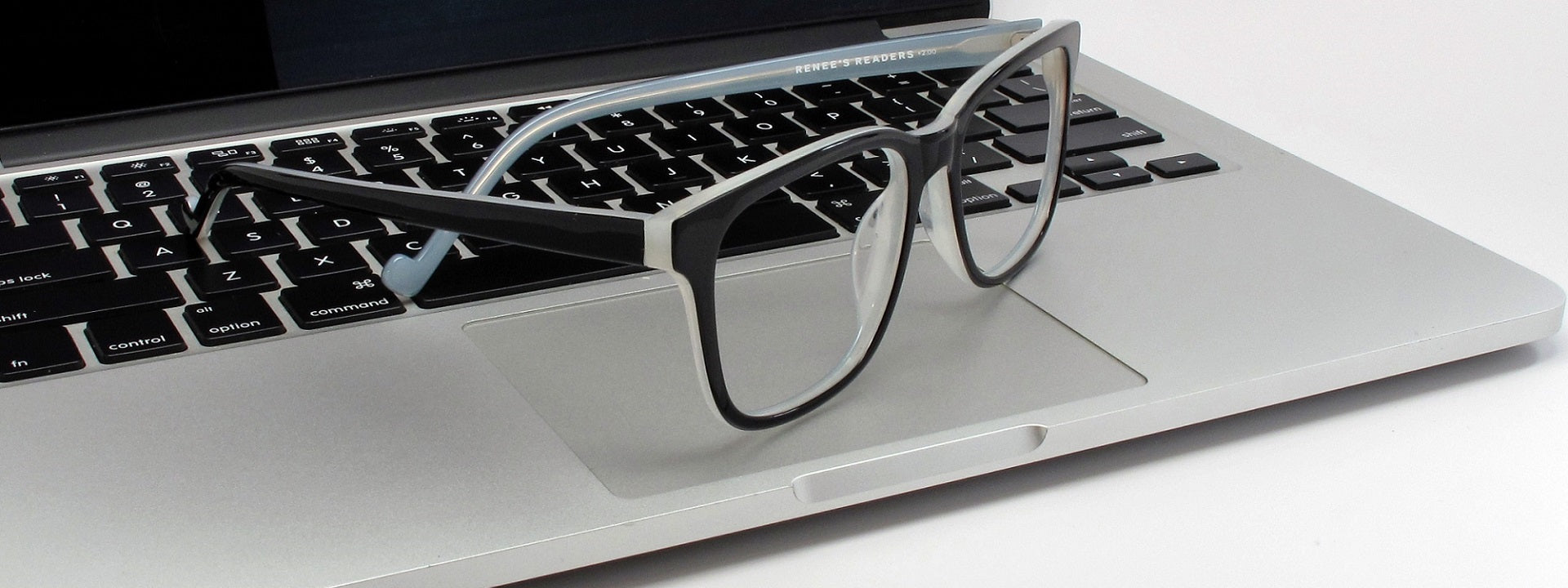
made from premium materials

adhering to precise optical standards

More Tips For Reducing Computer Eye Strain

01

Use reading glasses specific to your computer use

Looking at a computer screen for long periods places constant demand on your eye muscles. Just a slight correction when delivered through optically precise, high quality lenses can make a remarkable difference in eliminating your digital eyestrain.
02

Reduce glare

Position your computer screen to avoid glare from windows or overhead lighting. Angle your monitor away from any glare‑producing light source—remember that even reflective desk surfaces and nearby objects can create glare.
03

Take breaks

Blinking moistens your eyes and prevents dryness and irritation. To relax your eye muscles, shift your focus regularly- after 20 minutes of computer use, change your focus to something at least 20 feet away for approximately 20 seconds- set an alarm on your phone or computer to remind you.
04

Adjust computer settings

Adjust brightness and contrast settings until you find what feels comfortable and easy on your eyes. Increase font size and use boldface font. Black text on a white background which provides the highest contrast and reduces visual strain during long stretches at the computer.
05

Adjust your screen

Position your monitor so that it is approximately 18 to 28 inches away from your eyes. Adjust the screen so the top of the display rests 4 to 6 inches below eye level, allowing your gaze to fall naturally downward and reducing strain on both your eyes and neck.
06

Manage blue light sources

Limit digital device use at least one hour before bedtime. If this is not possible, use our Blue Light Blocking Readers that selectively blocks out sleep-disturbing blue-violet light from LED digital devices while maintaining color resolution.

NEED MORE INFO?

For more information on our optical quality reading glasses, personalized style recommendations, or help selecting the correct lens power , email us at

INFO@RENEESREADERS.COM